
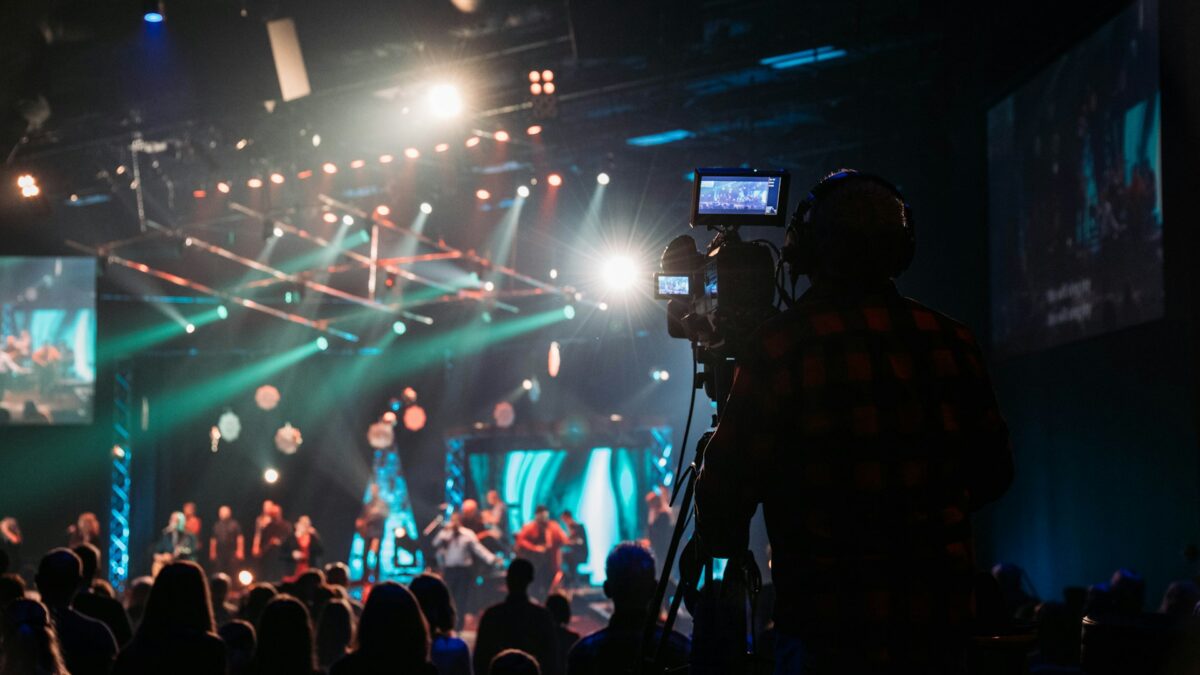
Live streaming isn’t optional anymore — it’s how your congregation stays connected when they can’t be in the room, how you reach people who’d never walk through your doors, and how your ministry extends beyond Sunday morning.
If you’re an Arizona church trying to figure out where to start, here’s a straightforward breakdown from the team that’s set up streaming systems for churches across the Phoenix Valley.
What You Actually Need (Minimum Viable Setup)
At minimum, a functional church live stream requires:
- A camera — Even a single PTZ (pan-tilt-zoom) camera gives you a professional look without needing an operator standing behind it all service.
- An audio feed — Your stream’s audio should come directly from your mixing board via a dedicated output, not from the camera’s built-in mic. Bad audio kills a stream faster than bad video.
- A capture/encoder device — This takes your camera and audio signals and converts them for streaming. Hardware encoders (like those from Epiphan or AJA) are more reliable than software-only solutions.
- A streaming platform — YouTube Live, Facebook Live, Vimeo, or a dedicated church platform like Boxcast or Resi.
- A solid internet connection — We recommend a minimum 10 Mbps upload, dedicated for streaming (not shared with your guest Wi-Fi).
Step Up: Multi-Camera Setups
A single-camera stream works, but a two- or three-camera setup with a simple video switcher gives your viewers a much more engaging experience. One camera on the stage wide shot, one tighter on the speaker, and optionally one on the congregation or worship team covers 90% of what most services need.
The Most Common Mistakes We See
Relying on the room’s Wi-Fi. Your streaming connection should be wired, not wireless. A single bandwidth spike from a congregation full of smartphones can drop your stream at the worst moment.
Forgetting the delay. Your in-room audio and your stream will be slightly out of sync if you don’t address it. Your encoder or streaming platform can compensate — but you need to set it up.
Skipping monitoring. Have someone dedicated to watching the stream on an external device during your service. You want to catch problems before your online congregation does.
What Does a Professional Church Streaming Setup Cost?
A basic but professional single-camera streaming setup starts around $5,000–$10,000 installed. A full multi-camera production setup with switching, dedicated encoding hardware, and monitoring runs $15,000–$40,000 depending on complexity.
These are investments that pay dividends every week — and they don’t have to happen all at once.
Ready to Start Streaming?
Brilliance AV designs and installs church streaming systems throughout the Phoenix Valley. Whether you’re starting from scratch or upgrading what you have, we can build a system your volunteers can actually run. Get in touch and let’s talk about your streaming goals.