
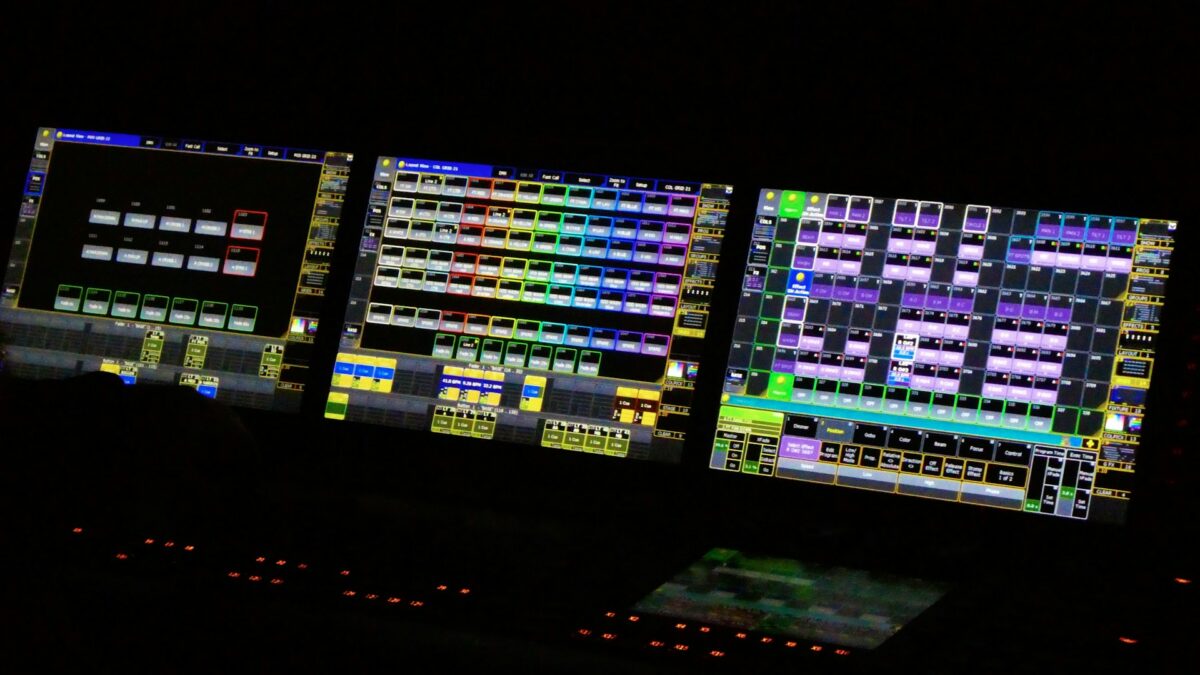
Your church bought nice lighting fixtures. So why does running them still feel like flying a spaceship? If your volunteers are afraid to touch the lighting console, if “turn the stage blue” requires the one person who knows how, or if your fixtures blink mysteriously mid-service, the problem usually isn’t the lights. It’s the control system, and the three letters at the heart of it: DMX.
Here’s the plain-English version every church tech team deserves.
What DMX Actually Is
DMX (technically DMX512) is the universal language of stage lighting: a simple digital signal that runs from your controller through your fixtures, telling each one what to do. One DMX “universe” carries 512 channels, and every fixture listens to some of them. A basic LED wash might use five (red, green, blue, white, intensity), while a moving head might use twenty or more (pan, tilt, color, gobo, zoom, and so on).
Every fixture gets an address, its starting channel, and this is where most church lighting mysteries live. Two fixtures accidentally set to the same address mirror each other. A fixture addressed wrong responds to commands meant for its neighbor. When lights “act possessed,” it’s almost always addressing, not hardware. The fix is a documented address map, a one-page chart of every fixture, its address, and its mode. We create one for every install, and it turns troubleshooting from an exorcism into a checklist.
Why Cabling Discipline Matters
DMX runs fixture-to-fixture in a daisy chain, and the rules are simple but unforgiving: use real DMX cable (mic cables look identical and mostly work, until they don’t, usually during Christmas Eve), terminate the end of the line with a terminator plug, and avoid splitting the signal without a proper splitter. Flickering fixtures, random strobing, and intermittent dropouts trace back to violated cabling rules more often than anything else. Wireless DMX has matured into a legitimate tool for spanning distances cable can’t, across a historic sanctuary ceiling, for instance, but treat it as a solution for specific gaps, not the whole system.
The Console Question: Match Control to Volunteers
Here’s where churches most often go wrong: they buy either far too little control (a row of faders nobody understands) or far too much (a touring console that requires a professional programmer). The right answer for most churches is scene-based control, a system where Sunday operation is pressing clearly labeled buttons, “Worship 1,” “Message,” “Full Stage,” “Walk-in,” while the deeper programming lives safely behind the scenes.
Modern church lighting control comes in several friendly forms: compact consoles with scene buttons, software on a computer, and tablet apps that let a volunteer run lighting from anywhere in the room. The programming still takes expertise. Someone has to build those scenes well, once. But after that, a brand-new volunteer can run lights on their first Sunday. That’s the standard we design to, because volunteer turnover is a fact of church life.
Scenes, Not Improvisation
The biggest mindset shift for church lighting: Sundays should be recall, not creation. Build a library of scenes that match your service flow, from pre-service walk-in, to worship looks in a couple of moods, to a speaking look (bright, even, camera-friendly front light), to special moments like communion, baptism, and response. Your livestream benefits doubly, because consistent scenes mean consistent camera exposure. The “speaking look” in particular should be designed with the cameras in mind, not just the room, and our post on stage lighting for video streaming digs into exactly that. For the creative side of what those scenes should feel like, see our guide to lighting design for worship services.
Then document everything: the address map, the scene list, what each button does. If your lighting knowledge lives in one volunteer’s head, your system is one job transfer away from chaos.
A Note on Houselights
Don’t forget the seats. Integrating your house lighting into the same control system, so “Walk-in,” “Worship,” and “Message” scenes set the room and the stage together, is one of the most satisfying upgrades a church can make, and it often matters more to the congregation’s experience than another stage fixture. Modern LED house lighting dims smoothly to true warm tones (no flicker on camera, a real concern for streams), cuts energy costs dramatically in air-conditioned Arizona buildings, and ends the era of a volunteer flipping breaker-panel switches in the back hallway.
When to Call for Help
If your fixtures predate LED, if your dimmers hum, if nobody knows the addresses, or if running lights requires a specific human being, the system is overdue for a control refresh. Often the fixtures are fine. It’s the control layer (console, cabling, addressing, scenes) that needs professional attention, and that’s a far smaller investment than new lights. If you’re also weighing fixture brands, our Chauvet Professional vs. ETC comparison is a good companion read.
About Brilliance AV
Brilliance AV designs, programs, and documents lighting, audio, and video systems for churches across the Phoenix Valley from Tempe, Arizona, with volunteer-friendly consoles, clean DMX infrastructure, and scene libraries built around your actual service flow. If your lighting rig intimidates your team, call (480) 903-4432, email hello@brillianceav.com, or reach out here and we’ll make it push-button simple.
