
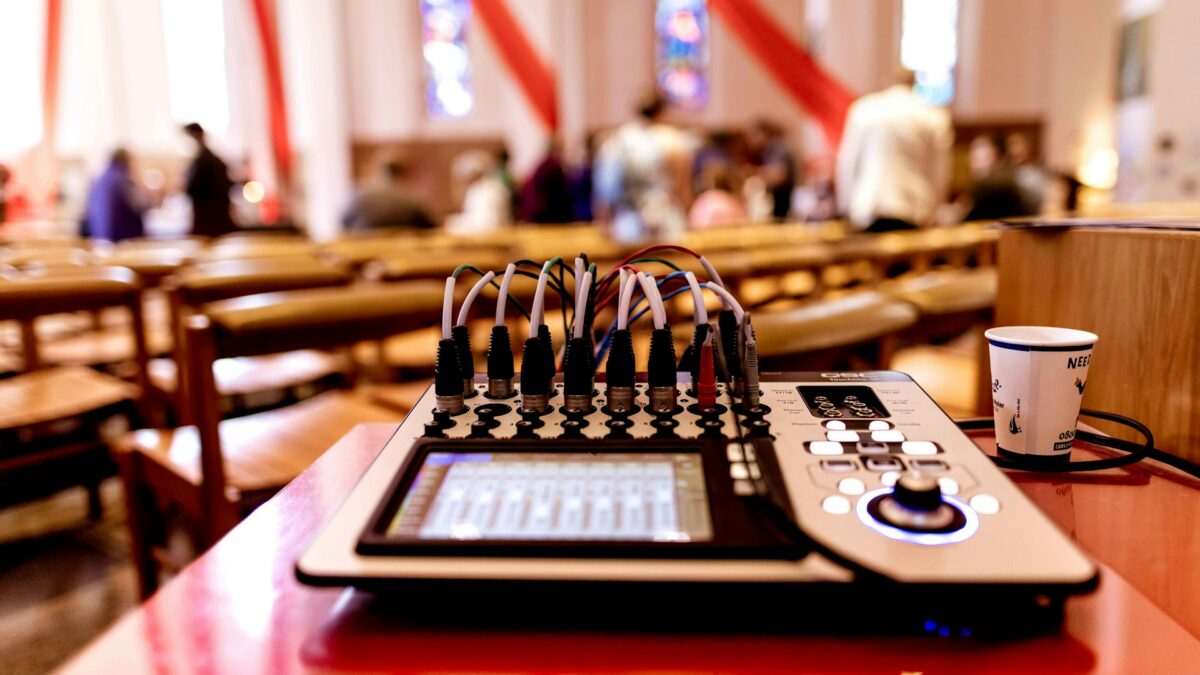
It’s 8:40 on a Sunday morning somewhere in the Phoenix Valley. The band arrived late, the bass player is noodling over the vocalist’s mic check, the pastor needs the stage in twenty minutes, and the volunteer at the console is trying to fix everything at once. Sound familiar? A chaotic soundcheck doesn’t just waste time — it guarantees a rough first song and a stressed team walking into worship.
The fix isn’t more time. It’s a repeatable order. Here’s the soundcheck structure we teach church tech teams across the Valley, and it fits in 30 minutes.
Before Anyone Arrives: The Line Check (10 Minutes, One Person)
The most valuable soundcheck work happens before the band shows up. A tech (or one early volunteer) walks the stage and verifies every input: each mic gets a scratch test, each DI gets a signal, every monitor and IEM pack gets confirmed, wireless batteries get replaced — not “checked,” replaced or fully charged, every week, no exceptions. Label anything that changed from last week.
Why this matters: 90% of soundcheck delays are dead cables, wrong inputs, and dead batteries. Finding them with the band standing around costs you the whole morning. Finding them at 8:00 with an empty stage costs nothing.
Step 1: One Instrument at a Time, Drums First (8 Minutes)
When the band arrives, resist the urge to “just play something.” Check inputs individually, starting with drums — kick, snare, toms, overheads — because drums set the volume floor for the entire stage. Then bass, then guitars and keys, then vocals last. Each check is short: play normally for fifteen seconds while the engineer sets gain and confirms the channel. This isn’t the time for tone-sculpting; it’s the time for signal, gain, and no surprises.
Two ground rules transform this step. First: silence between checks. One sound at a time is the difference between an 8-minute check and a 25-minute one. Second: play like you’ll play in the service. The drummer who soundchecks gently and then opens the set at full force has wasted everyone’s gain structure.
Step 2: Monitor Mixes (5 Minutes)
Now build what the musicians hear. Go person by person, adjusting while they play briefly. Teams on personal mixers or IEM phone apps can handle most of this themselves — one more reason we’re fans of personal monitoring — but the engineer should still confirm nobody’s mix is wildly loud, because today’s cranked ears are next year’s hearing problem.
If you saved settings from last week (any modern digital console does), you’re starting from 90% done. Recall the scene, tweak for today’s roster, move on.
Step 3: Run a Full Song, Then Stop Touching It (7 Minutes)
Play one complete song — ideally the opener — at true service energy. The engineer mixes the house honestly, walks the room for a minute (sound at the console is not sound in row 12), and makes final moves. Then check the pastor’s mic through the main speakers along with any videos or presentation audio for the day. Playing the actual media file now beats discovering a silent sermon-bumper video in front of 400 people.
Then: done. Band off stage with time to pray and breathe before the service. A soundcheck that ends ten minutes early is a sign of health, not slack.
Make It a Culture, Not a Heroic Effort
Write this order down, post it in the booth, and run it the same way every week — same order, same times, whoever is mixing. Consistency is what makes volunteer teams sound professional. It also surfaces real problems: when the check runs long, it’s because something is actually wrong, not because the process is chaos.
Two scheduling tips that help Valley churches especially: in summer, when families travel and rosters change weekly, confirm the band lineup by Thursday so the engineer can prep the console scene before Sunday. And if your church runs multiple services, treat the gap between them as a mini-check — thirty seconds per wireless mic and a battery glance — rather than assuming the 9:00 settings will survive until 11:00.
And if the same issues appear week after week — feedback in the monitors, never enough gain on the pastor’s mic, mysterious hums — those aren’t soundcheck problems. Those are system problems wearing a soundcheck costume.
We Can Help With Both
Brilliance AV helps Arizona churches on both sides of this: designing systems that soundcheck fast (digital consoles with scene recall, personal monitoring, clean gain structure) and training volunteer teams to run them with confidence. If Sunday mornings feel like a scramble, contact us here — calm soundchecks are absolutely achievable, and we’d love to show your team how.
