
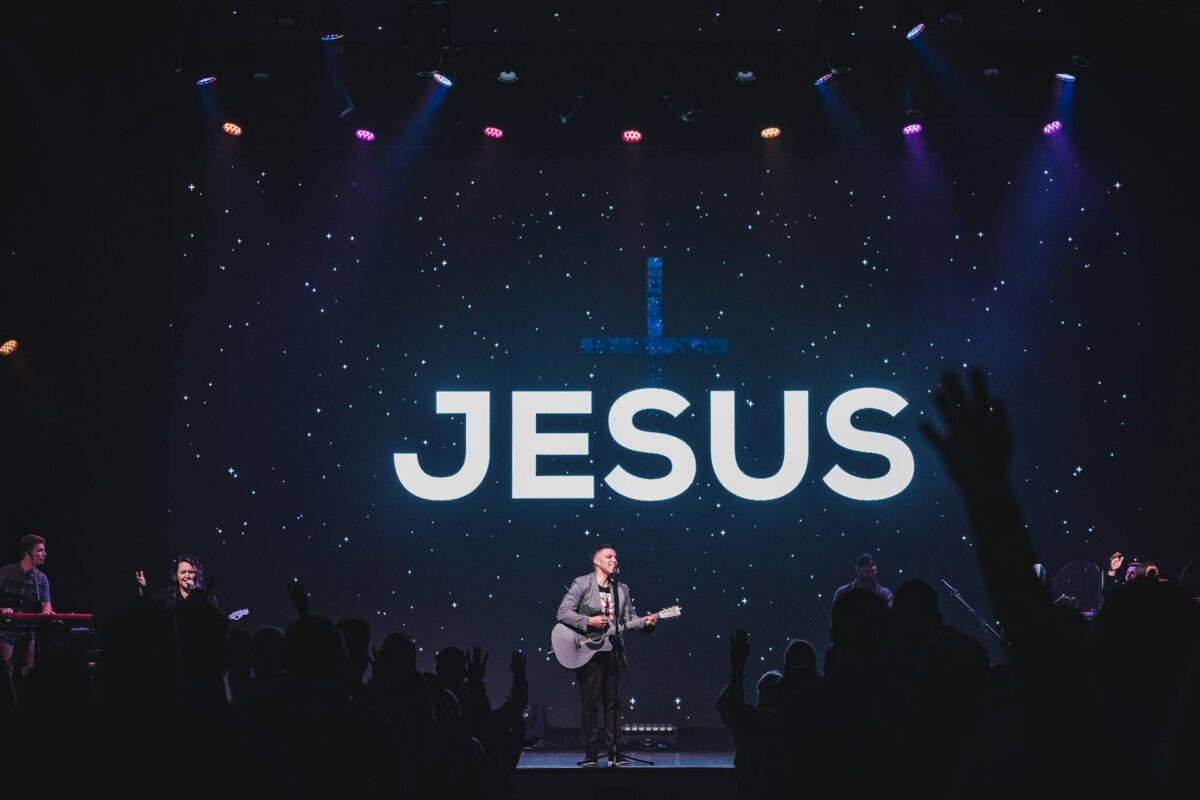
If your church runs ProPresenter, you already know it’s one of the most powerful tools in the modern worship tech stack — and also one of the easiest to fumble live in front of a full sanctuary. We support ProPresenter setups for churches all across the Phoenix Valley, and the same handful of small fixes come up again and again as the difference between a stressed volunteer and a smooth service.
Build Your Service Ahead of Time, Every Time
The single biggest cause of on-the-fly ProPresenter stress is building slides during rehearsal or, worse, during the service itself. Build your entire playlist — lyrics, scripture, announcements, sermon points — the night before or earlier in the week, then do a full run-through with your worship leader and speaker before doors open. Last-minute slide changes should be the exception, not the routine.
Use Macros and Triggers to Reduce Manual Clicking
Many churches run ProPresenter entirely through manual next/previous clicks, which is exactly where missed cues and awkward pauses creep in. Macros and MIDI/network triggers — for example, having a lighting cue or a stage timer fire automatically when a slide changes — reduce the number of things your operator has to manually track during a live service.
Keep a Clean, Dedicated “Service Day” Playlist
Avoid editing your master template library on a Sunday morning. Build the week’s actual service as its own playlist, separate from your reusable templates, so a typo fix or last-second adjustment to one Sunday’s slides never risks breaking the templates everyone relies on week to week.
Pre-Load and Test Every Media File
Video clips and audio cues that haven’t been tested in the actual ProPresenter environment — not just played once on a laptop — are a leading cause of mid-service freezes. Load every video, confirm it plays cleanly through your actual output chain (not just preview), and check audio levels in advance rather than discovering an issue live.
Set Up a Stage Display Your Speaker Can Actually Use
ProPresenter’s stage display feature lets you show your speaker or worship leader a timer, current slide, and next slide — but it’s only useful if it’s actually configured for how they think. Walk your pastor or worship leader through customizing their own stage display layout once, and it pays off every single week in reduced “what’s coming up next” confusion.
Build a Backup Plan for the Inevitable Glitch
Every ProPresenter operator eventually hits a frozen clip, a missing file, or an unexpected crash mid-service. Two simple habits dramatically reduce the damage when it happens: keep ProPresenter’s auto-save and backup features enabled, and train your operator on a manual fallback — even something as basic as knowing how to quickly pull up a blank slide or static graphic — so a glitch becomes a two-second blip instead of an awkward 30-second freeze in front of the congregation.
Don’t Underestimate Network Stability
If your ProPresenter setup relies on network connections — for stage displays, remote control from a tablet, or NDI video feeds from cameras — an unstable church Wi-Fi network is one of the most common, least diagnosed causes of presentation hiccups. A dedicated, properly configured network for production gear (separate from guest or office Wi-Fi) solves a surprising number of “ProPresenter just glitched for no reason” mysteries.
Train More Than One Operator
If only one volunteer knows how to run ProPresenter for your church, you have a single point of failure. Cross-train at least two or three people on the software so a sick day or a scheduling conflict never threatens your Sunday service.
The Software Is Only as Good as the System Around It
ProPresenter is genuinely excellent software, but it’s still dependent on the computer running it, the network it’s connected to, and the displays and switchers it’s feeding into. If your church in the Phoenix Valley is dealing with chronic presentation hiccups, the root cause is often in the surrounding system rather than the software itself.
If you’d like help auditing your ProPresenter setup — from hardware to network to workflow — contact Brilliance AV and we’ll help you build a presentation system that runs as smoothly as your worship team sounds.
