
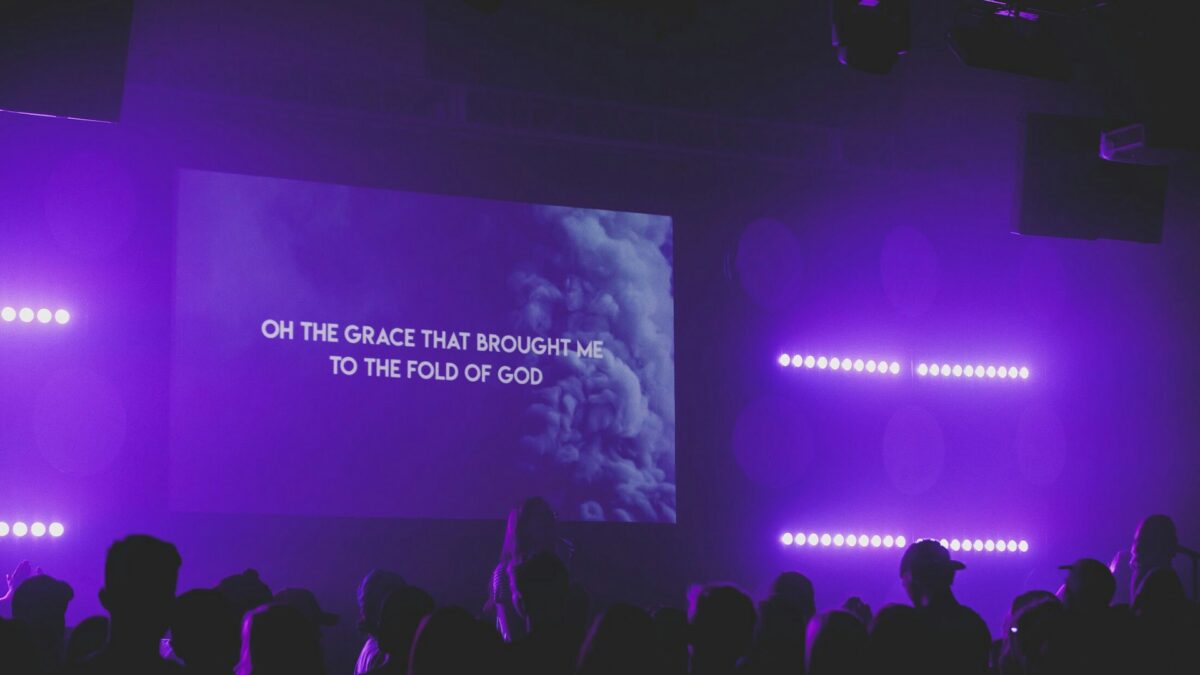
The screens at the front of your church are only as good as the software driving them. That software is what puts worship lyrics up in time with the band, holds your sermon slides, and increasingly feeds your live stream too. Pick the right one and Sunday runs smoothly. Pick the wrong one and your volunteers fight it every week.
So let's compare the real options a church actually chooses between.
ProPresenter, the industry standard
ProPresenter is the name most people think of, and for good reason. It is powerful, it looks polished, and it runs on both Mac and Windows. It handles lyrics, video backgrounds, sermon slides, countdowns, and lower thirds for your stream. Larger and mid-size churches tend to land here because it does nearly everything and scales with a growing production.
The trade-offs are cost and complexity. ProPresenter is a paid license, and the more advanced features have a learning curve. A brand-new volunteer will not master it in one Sunday. For a church with a committed tech team, that ceiling is a feature. For a small church with rotating help, it can be more than you need.
EasyWorship, the friendlier middle ground
EasyWorship is the Windows-focused option that a lot of churches pick when ProPresenter feels like overkill. It covers the same core jobs, lyrics, Scripture, video, and slides, with a gentler learning curve and a lower price. Volunteers tend to get comfortable with it fast, which matters more than any feature list when your operators change month to month.
If your church runs on Windows and your main need is smooth lyrics and clean slides, EasyWorship is worth a serious look.
OpenLP and the free options
OpenLP is free and open source, and it is genuinely capable. It handles lyrics, Bibles, and basic media on Windows, Mac, and Linux, and there is no license to buy. For a church plant or a small congregation counting every dollar, free is a real advantage. You give up some of the polish and the deeper streaming features, but for a lot of rooms, that is a fair trade.
There are other budget and cloud-based tools in this space too, and some churches even run presentations out of software they already own. The right pick depends less on the feature checklist and more on who is running it and how often they change.
Do not overlook the streaming features
If you broadcast your service, your presentation software does double duty, and this changes the math. ProPresenter and the higher tier tools can send a separate output to your stream, so online viewers see lyrics and lower thirds without the countdown timers and stage cues your in-room screens show. Cheaper and free options often send one output to everything, which means whatever is on the sanctuary screen is what your online audience gets too. Neither is wrong. Just know which one you are buying, because retrofitting a clean stream output later is harder than choosing software that already does it. If streaming is part of your Sunday, weigh that feature as heavily as the price tag.
The question that actually decides it
Software choice usually comes down to your volunteers, not your building. The most powerful program in the world is useless if the person at the computer dreads Sunday. Ask who will run it, how much they will change from week to week, and how much training you can realistically give. A tool your team can learn in an afternoon and trust every service beats a fancier one they never fully figure out.
This ties directly into how your slides are built. Good software still needs readable slides, and readability is a discipline of its own. Our guide to designing worship slides people can actually read covers font size, contrast, and the mistakes that leave the back row squinting.
It also connects to your screens. Whatever software you run has to look good on the display you push it to, whether that is a projector or an LED wall. If you are weighing that decision, our comparison of an LED video wall versus a projector will help you match the software to the hardware.
Getting it set up right
Once you pick a program, the setup matters as much as the choice. Your presentation computer needs to talk cleanly to your screens and, if you stream, to your broadcast system. That is where a lot of churches get stuck, and it is a place a professional can save you hours of frustration.
If you want help choosing church presentation software and wiring it into your screens and stream, contact the Brilliance AV team. We help Phoenix Valley churches build systems their volunteers actually enjoy running.
About Brilliance AV
Brilliance AV is a church AVL design and installation company based in Tempe, Arizona, serving the Phoenix Valley. Call us at (480) 903-4432, email hello@brillianceav.com, or get in touch through our contact page.
