
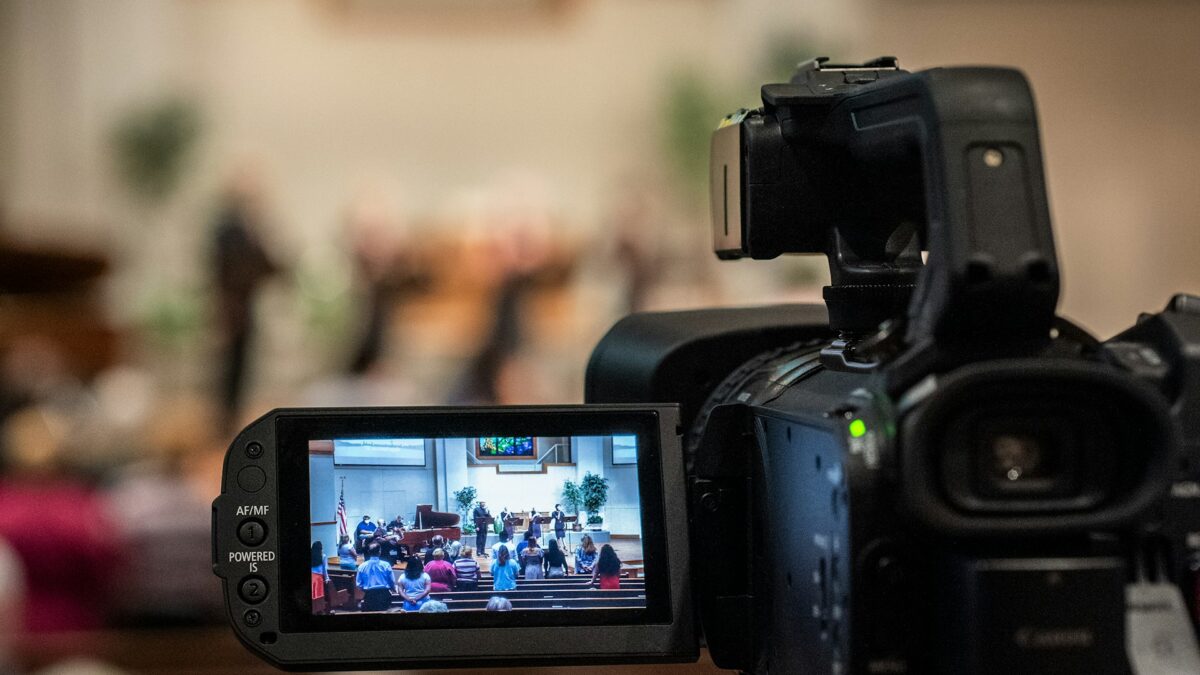
Walk into the tech booth of almost any church that streams well, and you’ll find the same thing: a volunteer at a controller, smoothly switching between shots from cameras mounted quietly around the room. No camera operators standing in the aisles, no tripods blocking sightlines. That’s the PTZ (pan-tilt-zoom) camera revolution, and it’s the single biggest reason small churches can now produce streams that look like large ones.
Here’s what Phoenix Valley churches should actually know before buying. (If you’re starting from zero, our practical live streaming setup guide covers the whole signal chain, and this post goes deep on the camera decision specifically.)
Why PTZ Became the Church Standard
A PTZ camera is a remotely controlled camera in a fixed mount: one volunteer at a single station can pan, tilt, zoom, and switch between several of them. That solves the fundamental church staffing problem. You don’t need three camera operators every Sunday, you need one person at a desk. Presets make it even easier: program shots like “pulpit close-up,” “full stage,” and “worship wide,” and a volunteer recalls them with one button. Consistency stops depending on who showed up to serve.
Compared to camcorders on tripods, PTZs disappear into the architecture. Compared to fixed webcams, they give you real production variety. For most churches, they’re the sweet spot.
How Many Cameras Do You Actually Need?
More than one, fewer than you think. One camera makes a surveillance feed, not a broadcast. The single unchanging shot is why streams feel lifeless. Two cameras transforms everything: a center camera for the message and a side camera for worship gives you movement, reaction shots, and forgiveness (when one camera repositions, you cut to the other).
Three is the classic church setup: center for the speaker, one side angle for the band, one wide or rear shot for context and transitions. Beyond three, you’re adding polish, not fundamentals. A four-camera rig with shots for pulpit, full stage, worship team, and back-of-room is lovely, but we’d rather see a church run two cameras well than four cameras poorly. Start with two or three and add later. PTZ systems scale gracefully.
The Features That Matter (and the Ones That Don’t)
Optical zoom is non-negotiable. It’s what lets a camera at the back of a 90-foot room fill the frame with the pastor’s face cleanly. Digital zoom is marketing, ignore it. For most sanctuaries, 20x optical is the safe target, and smaller rooms can live with 12x.
Low-light performance matters more in churches than almost any other venue, because worship lighting is moody by design. A larger sensor beats more resolution here. Speaking of which: 1080p done well beats 4K done cheaply, and most streaming platforms deliver 1080p anyway. Buy 4K only if the sensor and glass are genuinely better, not for the number.
NDI or SDI connectivity determines your cabling. NDI runs video, control, and power (with PoE) over a single network cable, which pairs beautifully with the networked infrastructure many churches are already building. We explained that backbone in our post on Dante and networked audio, and the same logic applies to video. Long HDMI runs, by contrast, are fragile and distance-limited. If your camera positions are far from the booth, this decision matters more than the camera brand.
Auto-tracking has matured and can genuinely help a minimal team, but treat it as an assist, not a replacement for good presets.
Placement: The Part Everyone Underestimates
A great camera in a bad position produces bad video. Height matters (slightly above eye level reads naturally, while ceiling-corner mounts read like security footage). Angles matter: avoid shooting directly into your LED wall or windows, a real consideration in Arizona sanctuaries with strong ambient light. And distance-plus-zoom beats close-and-wide for flattering shots of people. Camera placement should be designed alongside lighting, not after it. If your stage lighting is uneven, the camera will tell everyone, and our guide to stage lighting for video explains how to fix that first.
Don’t Forget the Operator Experience
The best camera system is the one your volunteers enjoy running. That means a dedicated controller with a physical joystick (touchscreens get old fast during a 75-minute service), presets labeled in plain language, and a monitor layout where the operator can see every camera plus the program feed at a glance. Budget an hour of training and a laminated one-page guide in the booth. The difference between a system volunteers fight over and one they avoid is almost always the control experience, not the cameras.
Budget Realistically
A solid two-camera PTZ system with controller, cabling, and installation typically lands in the range of a modest single LED display: thousands, not tens of thousands. Cutting corners on the controller and infrastructure to afford a third camera is the most common mistake we see. A two-camera system that’s rock-solid every Sunday serves your congregation better than a three-camera system that needs rebooting mid-service.
About Brilliance AV
Brilliance AV designs and installs audio, video, and lighting systems for churches across the Phoenix Valley from our home base in Tempe, Arizona, including camera placement, lighting coordination, networked video infrastructure, and volunteer-friendly control. If your church is ready to move beyond the single static shot, call (480) 903-4432, email hello@brillianceav.com, or reach out here and we’ll design a system your volunteers will actually love running.
