
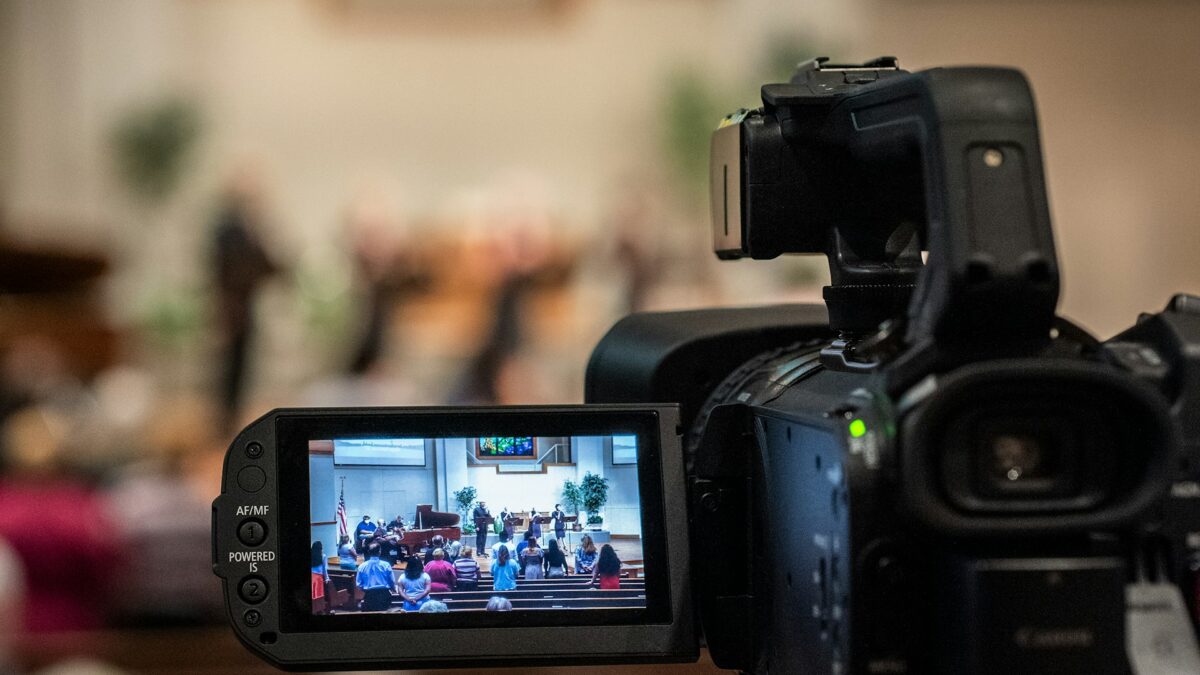
A single locked-off camera pointed at the stage will get your church online, and that is a fine place to start. But at some point you will want more. A close-up of the pastor during the message, a wide shot for worship, a look at the lyrics on screen. The moment you want to cut between shots live, you need a video switcher, and the good news is that switchers have never been more affordable or approachable for churches.
What a Video Switcher Does
A video switcher takes multiple camera feeds and lets you choose which one goes out to your stream at any given moment. Instead of one static angle, you can follow the service the way a viewer at home would want to watch it, cutting to the speaker, panning to the band, and back again. The switcher is the hub that turns a pile of cameras into a coherent broadcast.
Most switchers also do more than just cut between cameras. They let you add lower-third name graphics, drop in lyrics or scripture, mix in audio, and in many cases stream directly without a separate computer.
The Church Favorite: The Blackmagic ATEM Mini Family
For most Phoenix Valley churches getting started, the Blackmagic ATEM Mini line is the go-to. The ATEM Mini Pro ISO, around 495 dollars, hits the sweet spot for a lot of congregations. It accepts up to four HDMI camera inputs, streams straight to your platform over Ethernet, and gives you a multiview so you can see every camera, plus your preview and program feeds, on a single monitor.
That ISO in the name matters. It records each camera as its own separate file, which means your editing team can go back later and build sermon clips, social media reels, and highlight videos from the individual angles. For churches trying to stretch every service into more content, that feature alone can justify the purchase.
Keep It Simple: You Do Not Need a Computer
One of the best things about modern switchers is how much they simplify streaming. With an ATEM Mini Pro, you plug in Ethernet, enter your stream key, and press the stream button. No OBS, no dedicated streaming PC, no software crashes mid-service. For a volunteer-run booth, that reliability is worth a lot. Fewer moving parts means fewer things to break on a Sunday morning.
Cameras and Cable: Plan Before You Buy
Before you get excited about angles, think about distance. If every camera sits within about 50 feet of the switcher, standard HDMI cable works fine. If any camera needs to run farther than that, and in a larger sanctuary the balcony or back-of-room camera usually does, you will want to invest in SDI infrastructure from the start. Retrofitting cable later is far more expensive than planning for it now.
The cameras themselves matter too. Many churches pair a switcher with PTZ cameras that a single operator can pan, tilt, and zoom remotely, which is perfect for covering multiple angles without multiple volunteers. If you are still choosing gear, our guide to the best cameras for church live streaming walks through the options.
A Realistic Multi-Camera Setup
You do not need a Hollywood crew. A practical church setup often looks like this: two or three unmanned cameras on tripods with fixed, well-composed shots, one camera within arm’s reach for quick adjustments, and one volunteer at the switcher cutting between angles. That is genuinely enough to produce a stream that looks intentional and professional.
The switcher also becomes the natural home base if you ever grow into connecting multiple campuses, so choosing a capable unit now can save you a rebuild later.
Do Not Forget the Operator
Gear is only half the equation. Cutting a live service well is a skill, knowing when to hold a shot, when to cut, and how to avoid whip-panning a moving camera on air. Build this into how you recruit and train your AV volunteers so your switcher is an asset and not an intimidating box nobody wants to touch.
Thinking about going multi-camera and not sure where to start? Reach out to us and we will help you design a switching setup that fits your room, your team, and your budget.
About Brilliance AV: Brilliance AV is a church AVL design and installation company based in Tempe, Arizona, serving churches across the Phoenix Valley. Our team designs, installs, and supports audio, video, and lighting systems built for real worship spaces. Call us at (480) 903-4432, email hello@brillianceav.com, or reach out through our contact page to start the conversation.
