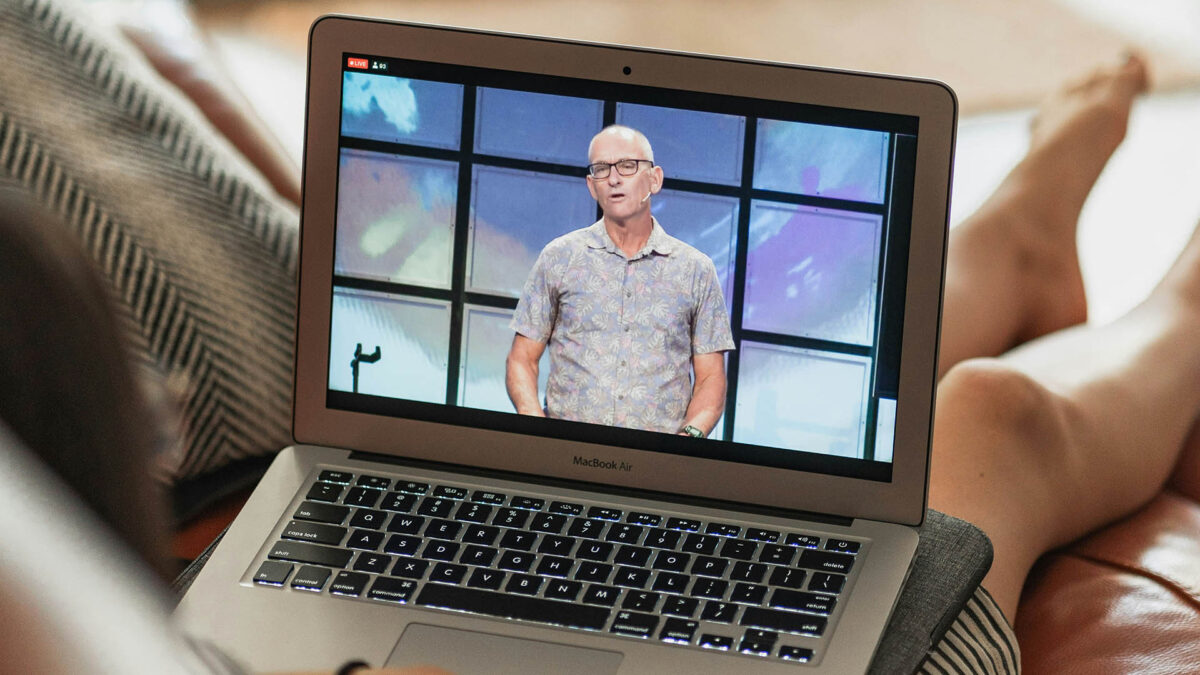
How to Boost Church Livestream Quality on a Budget in Arizona
Ever had your worship center’s livestream buffer like a bad dial-up connection, or look like it was filmed in a cave? At Brilliance AV, we know church livestream Arizona can shine without a Hollywood budget, bringing your Phoenix Valley services to online audiences with clarity, engagement. Think of it like upgrading from a flip phone to a smartphone, affordable tweaks make a big difference. Here’s how Arizona churches can boost church video streaming Arizona on a budget, with Brilliance AV as your church AV company Phoenix.
Why Livestream Quality Matters
Livestreaming connects Arizona churches with congregants who can’t attend in-person, from Scottsdale to Glendale. Poor video, audio can distract, but budget-friendly upgrades create worship livestream solutions that feel professional, welcoming. Benefits include:
- Engagement: Clear visuals, sound keep online viewers connected.
- Accessibility: Reach remote congregants, expand your ministry.
- Professionalism: Polished streams reflect your church’s mission.
- Affordability: Smart changes deliver big impact without breaking the bank.
Budget-Friendly Tips to Improve Livestream Quality
Here’s how to enhance your church AV setup Arizona for livestreaming without a big budget:
Optimize Your Camera Setup
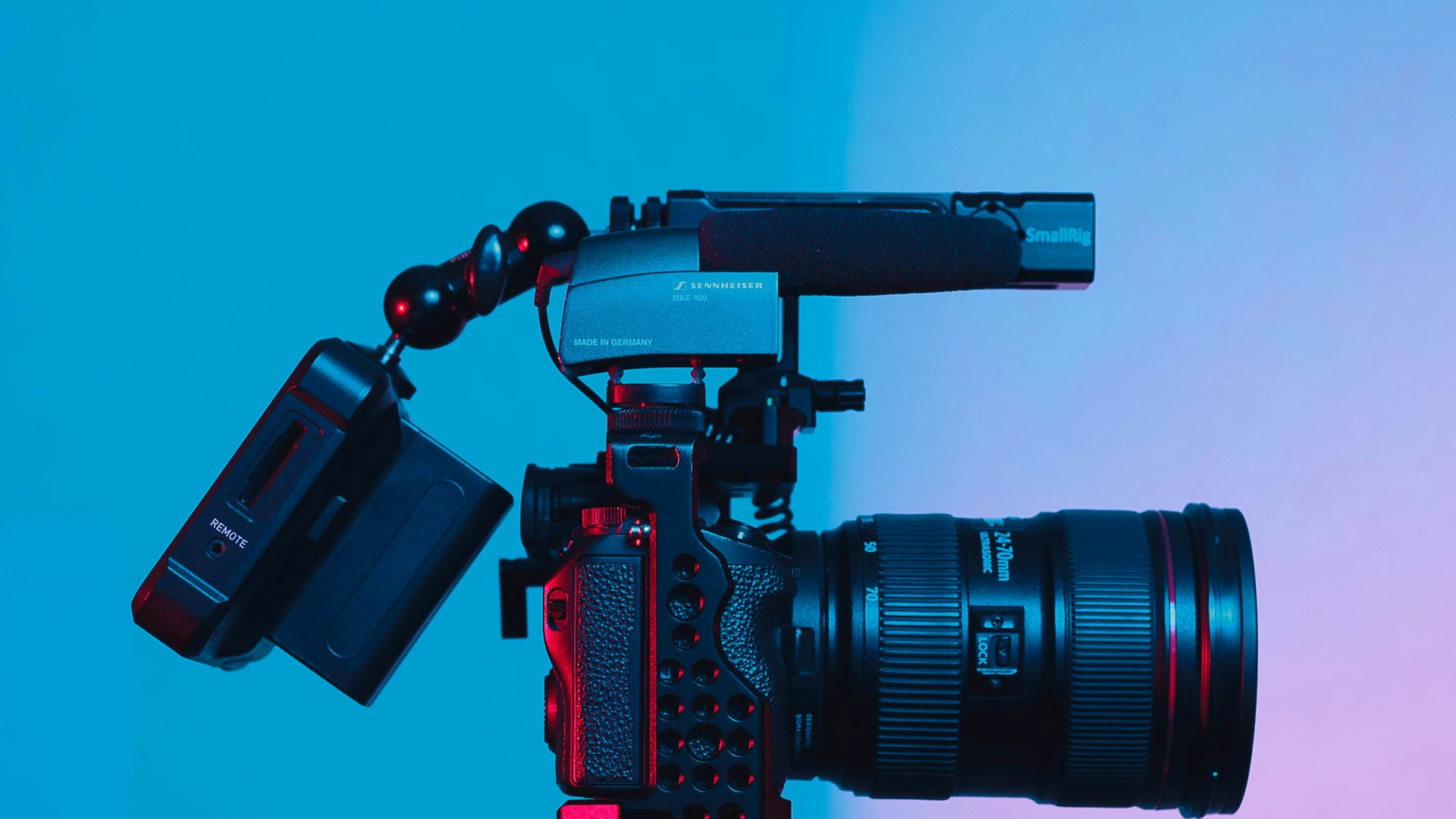
You don’t need a fancy camera to stream well. A mid-range DSLR, good webcam, or even a high-resolution smartphone on a tripod works for small Mesa worship centers. Place the camera at eye level, stable, to mimic an in-person view. Avoid shaky footage, zoom overuse. Brilliance AV can recommend affordable church video streaming Arizona camera options.
Enhance Lighting for Clear Visuals
Good lighting makes your stream pop, especially in Arizona’s sunny worship centers. Use natural light from windows for a warm feel, or add low-cost LED lights to brighten speakers’ faces without washout. Position lights to avoid shadows, backlighting. Brilliance AV designs budget-friendly lighting for church video system Arizona.
Upgrade Audio for Better Engagement
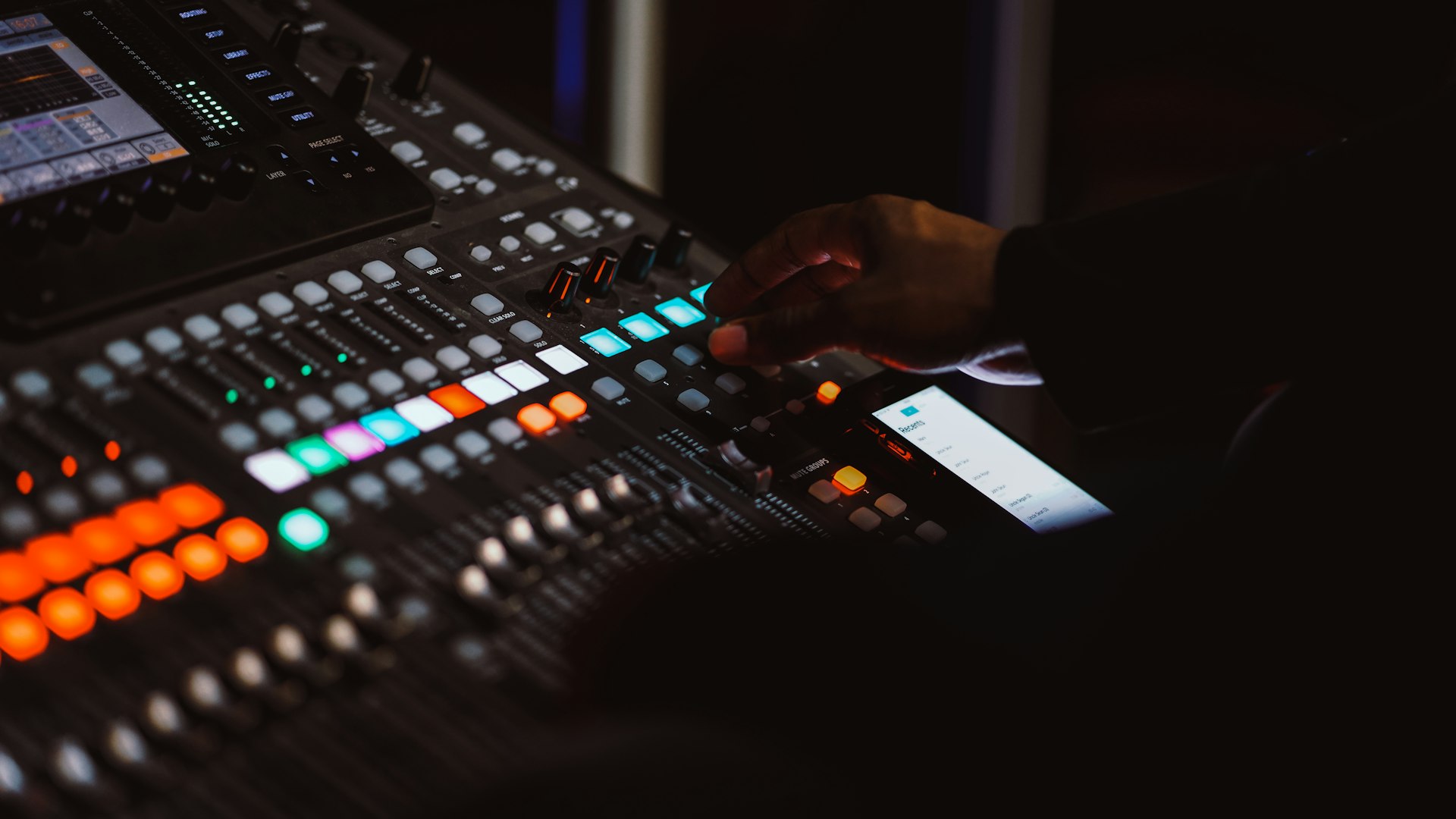
Bad audio kills a livestream faster than blurry video. Invest in an affordable clip-on (lavalier), or USB condenser microphone for clear sermons, worship songs. Reduce background noise by closing doors, muting fans, positioning mics away from speakers to prevent feedback. Brilliance AV recommends reliable church audio solutions for clarity.
Strengthen Your Internet Connection
Buffering frustrates viewers, so prioritize a stable internet connection. Use a wired Ethernet cable over Wi-Fi for reliability in Chandler worship centers. If Wi-Fi is your only option, place the router close to your setup, limit other devices during streaming. A modest internet plan upgrade can help. Brilliance AV advises on church livestream Arizona connectivity.
Use Free or Low-Cost Streaming Software
Skip expensive software, opt for free tools like OBS Studio to manage cameras, add text, or display scripture. Platforms like StreamYard, or Restream let you broadcast to YouTube, Facebook simultaneously, expanding reach. These tools are volunteer-friendly livestream solutions for small teams. Brilliance AV helps integrate software for seamless streams.
Fine-Tune Video and Audio Settings
Test audio levels before going live to avoid distortion, or faint sound. Adjust camera resolution to match your internet speed, lower settings can reduce buffering on slower connections. Regular tweaks ensure a smooth viewer experience. Brilliance AV guides Arizona churches on optimizing church video system Arizona.
Train Volunteers for Consistency
Volunteers are the backbone of church livestreams. Train them on camera angles, audio checks, lighting adjustments with simple checklists. Hands-on practice prevents issues like muted mics, or blurry focus. Brilliance AV offers training for volunteer-friendly livestream solutions in Phoenix Valley.
Add Engaging Visual Elements
Keep online viewers hooked with on-screen scripture, lyrics, or sermon points. Use free tools like Canva to create clear, simple graphics. Avoid cluttering the screen, ensure text is readable. These visuals make streams welcoming, professional for first-time viewers.
Maintain Your Equipment
Regular maintenance, like cleaning cameras, checking cables, prevents glitches. Brilliance AV’s AVL Maintenance Packages keep your church sound system Arizona, livestream gear in top shape, ensuring reliable streams.
Brilliance AV: Your Arizona Livestream Partner
Boosting church livestream Arizona quality doesn’t need a big budget, just smart upgrades, training. At Brilliance AV, we’re passionate about helping Phoenix Valley churches, from Tempe to Gilbert, create worship livestream solutions that engage, inspire. From equipment selection to installation, training, maintenance with our AVL Maintenance Packages, we’re your church AV company Phoenix. Ready to master improve church livestream on a budget? Contact Brilliance AV today, let’s make your worship center’s livestream shine!
Keywords: church livestream Arizona, church video streaming Arizona, worship livestream solutions, church AV company Phoenix, church AV setup Arizona, affordable church AVL, volunteer-friendly livestream solutions, church video system Arizona, improve church livestream on a budget, church livestream solutions Arizona, affordable church video streaming Arizona, budget-friendly worship livestream tips
Let's build irresistible experiences.
Connect With Us
Planning a project? Share your vision with us through this form, and we'll connect with you shortly.
Portable PA Systems for Small Churches and Church Plants: What You Actually Need
Church Presentation Software: ProPresenter and the Alternatives, Compared
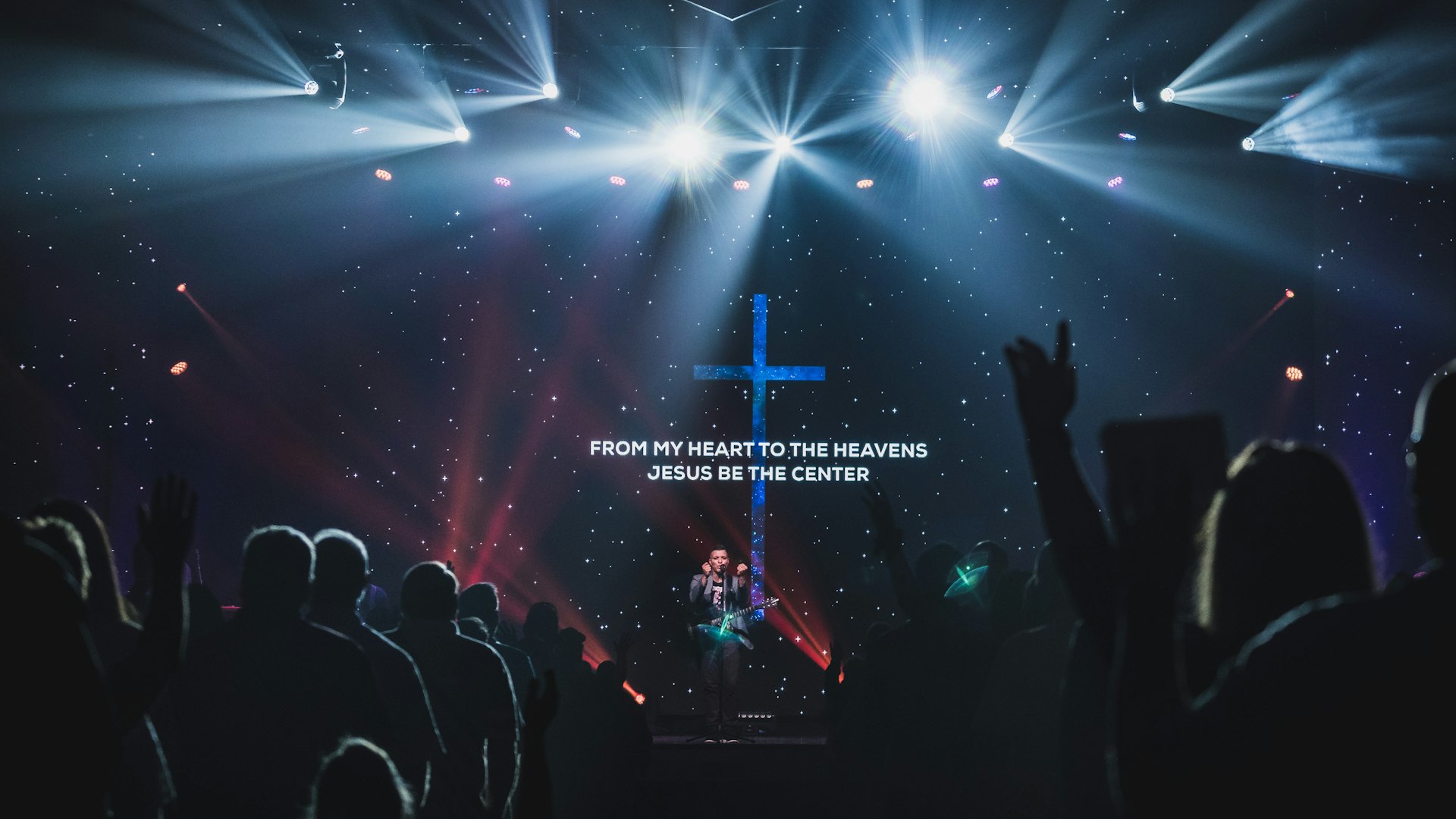
How to Light a Worship Stage: A Beginner’s Guide for Phoenix Churches
How Much Internet Speed Does Your Church Need to Live Stream?
Does Your Church Need an Assistive Listening System? ADA and Hearing Help, Explained
How to Stop Microphone Feedback in Your Church Before It Ruins the Service
Can My Church Legally Stream Worship Songs? CCLI and Streaming Licenses, Explained
Does Your Church Production Team Need a Headset Intercom System?