
Ever had your worship center's projector blue screen right in the middle of a sermon, or the video feed scroll endlessly during a livestream? These frustrating glitches can disrupt the flow of worship, but they're often fixable with the right troubleshooting and upgrades. At Brilliance AV, we've seen these issues in Phoenix Valley churches, from vibration-induced dropouts during energetic services to scrolling feeds in overflow spaces like restaurants or cafes. Based on common client challenges, here's a guide to diagnosing and solving problems with systems like Blackmagic ATEM switchers, SDI/HDMI converters, and NEC projectors, ensuring your church AV troubleshooting Arizona is smooth and reliable.
Common Issue 1: Projectors Blue Screening and Losing Connection During Worship
Blue screens and connection drops are a classic headache, especially when they only happen during lively worship with no obvious changes to the system. If your setup uses an ATEM switcher distributing SDI signals to up-down-cross converters, then HDMI to projectors like the NEC NP-P502HL-2, vibration from music or movement is a prime suspect.
Why It Happens
- Vibration Interference: Worship services often involve bass-heavy music or foot-stomping praise, causing loose connections in cables or mounts. SDI lines and HDMI converters are sensitive to even subtle shakes.
- Cable and Connector Wear: Over time, HDMI cables and SDI terminations degrade, exacerbated by heat in Arizona's warm climate.
- Converter Overload: Up-down-cross converters can glitch under sustained load, especially if not cooled properly.
Fixes and Upgrades
- Secure Connections: Inspect and re-terminate SDI lines, use locking HDMI cables, and add strain relief to prevent vibration-induced pulls. Test with new cables as you've done, but also check for ground loops.
- Mounting Solutions: Use vibration-dampening mounts for projectors and converters to isolate them from stage rumble.
- Upgrade to Fiber Optic: For long runs in larger worship centers, switch to fiber optic converters for signal stability over SDI/HDMI.
- Cooling Enhancements: Ensure converters have adequate airflow; add fans if needed for Arizona's heat.
Brilliance AV can diagnose these issues on-site, ensuring your church AV setup Arizona handles worship vibrations without a hitch.
Common Issue 2: Video Scrolling in Overflow Spaces Like Campus Restaurants
If your video feed scrolls continuously in secondary spaces like a church restaurant or cafe—requiring reboots to fix—it points to distribution problems from the main ATEM switcher.
Why It Happens
- Signal Sync Loss: SDI distribution over long distances can desync, causing scrolling as the receiver struggles to lock the frame rate.
- Buffer Overrun: The distribution system in the restaurant may not handle the ATEM's output rate, leading to constant reboots for reset.
- Cable Length and Quality: Extended HDMI or SDI runs to off-site areas amplify signal degradation, especially with splitters.
Fixes and Upgrades
- Signal Boosters: Install HD-SDI repeaters or extenders to maintain integrity over distance.
- Dedicated Distribution: Use a separate splitter or matrix for overflow areas to isolate the load from the main system.
- Upgrade to IP-Based Video: Switch to network video distribution for flexible, stable feeds to multiple locations without reboot hassles.
- Frame Lock Testing: Verify all devices are synced to the same frame rate; add a blackburst generator if needed.
For Phoenix Valley churches with campus expansions, Brilliance AV specializes in robust church video distribution Arizona that eliminates scrolling woes.
General Tips for Preventing AV Glitches in Arizona Churches
Arizona's heat and dust can worsen these issues, so proactive steps keep your church AV troubleshooting Arizona minimal:
- Environmental Controls: Use air-conditioned racks for converters and switchers to combat Phoenix summers.
- Cable Management: Organize and label all SDI/HDMI lines to spot issues quickly.
- Regular Testing: Run full-system checks before services, simulating worship vibrations.
- Backup Systems: Have spare converters and cables on hand for instant swaps.
When to Call in Professionals
If troubleshooting doesn't resolve the blue screens or scrolling—despite new cables and converters—it's time for an expert audit. Issues like subtle ground loops or firmware mismatches require specialized tools. Brilliance AV offers on-site diagnostics for church AV maintenance Arizona, identifying root causes and installing upgrades like stabilized converters or IP video systems. Our AVL Maintenance Packages include proactive checks to prevent future glitches.
Brilliance AV: Your Partner for Reliable Church AV in Arizona
Blue screen projectors and scrolling videos don't have to disrupt your worship. With targeted fixes and smart upgrades, your church AV setup Arizona can handle any service. At Brilliance AV, we’re passionate about keeping Phoenix Valley churches, from Scottsdale to Chandler, worship-ready. Contact us today for a free consultation—we'll troubleshoot your ATEM, converters, and NEC projectors, ensuring seamless video distribution to your restaurant or overflow spaces. Let’s make your worship glitch-free!
Keywords: church AV troubleshooting Arizona, church projector blue screen fixes, church video scrolling issues, church AV maintenance Arizona, church AV company Phoenix, church AV setup Arizona, reliable church AVL, church video distribution Arizona, AV troubleshooting for worship, affordable church AV upgrades Arizona
Let's build irresistible experiences.
Connect With Us
Planning a project? Share your vision with us through this form, and we'll connect with you shortly.
Portable PA Systems for Small Churches and Church Plants: What You Actually Need
Church Presentation Software: ProPresenter and the Alternatives, Compared
How to Light a Worship Stage: A Beginner’s Guide for Phoenix Churches
How Much Internet Speed Does Your Church Need to Live Stream?
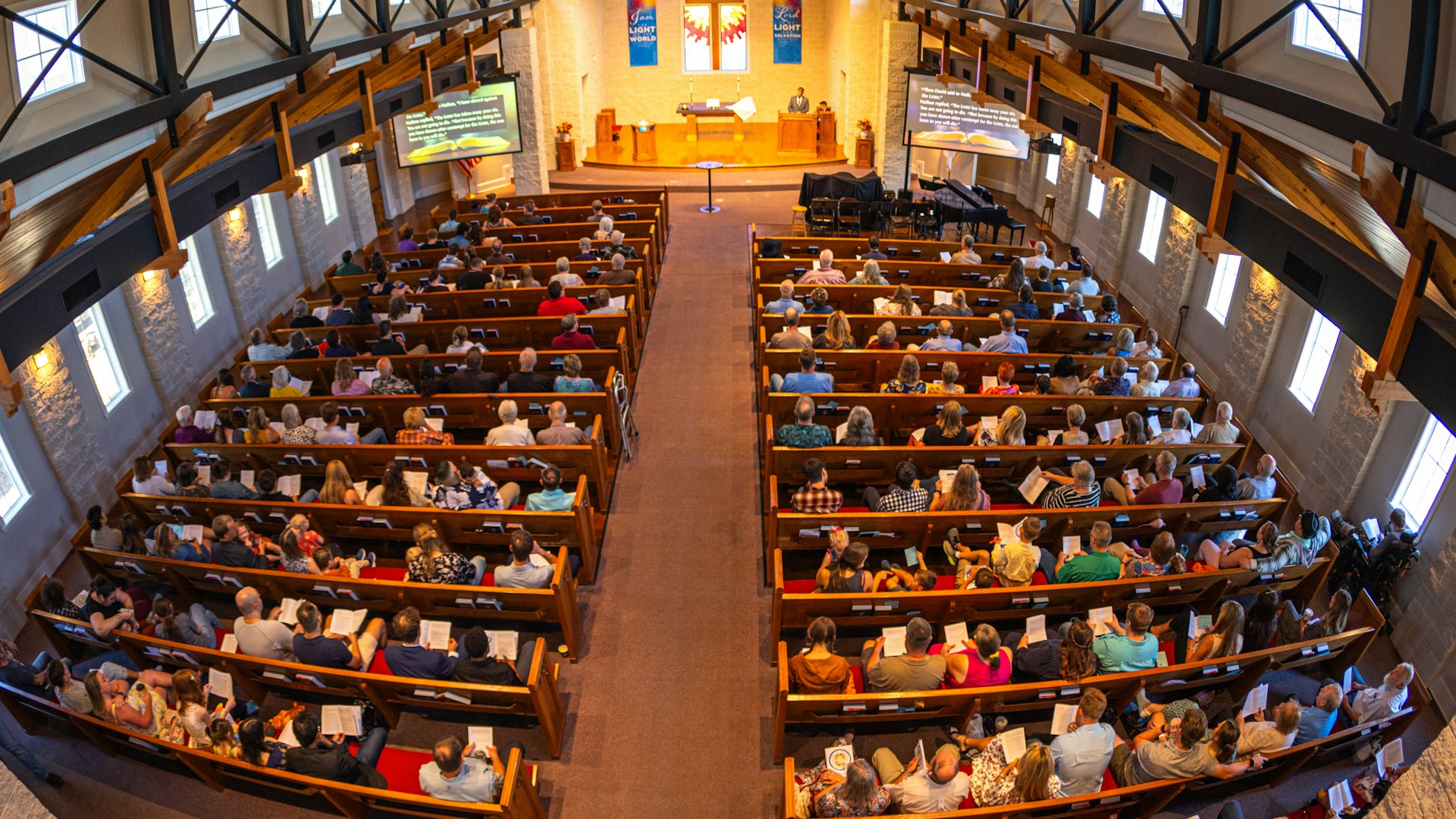
Does Your Church Need an Assistive Listening System? ADA and Hearing Help, Explained
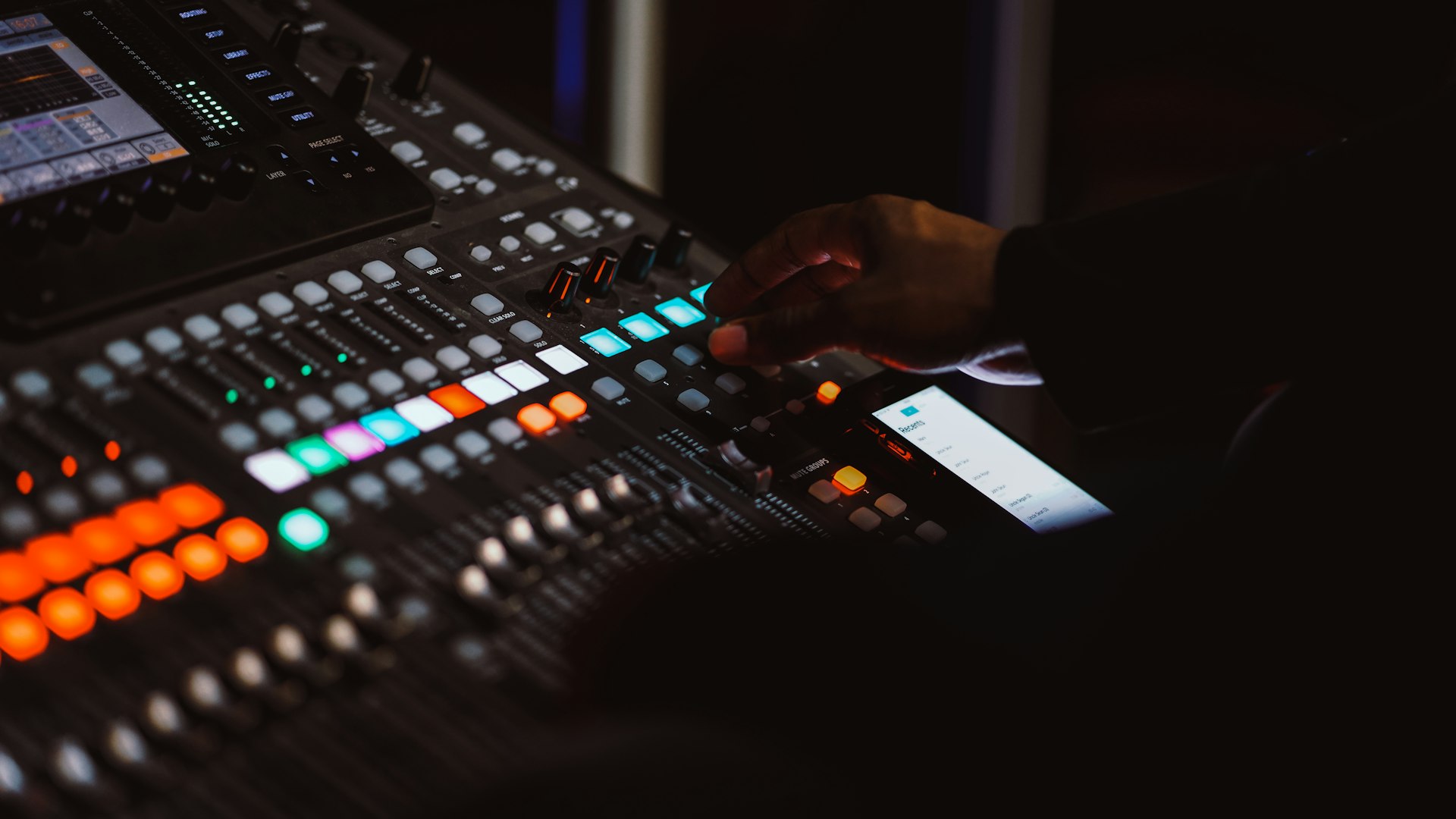
How to Stop Microphone Feedback in Your Church Before It Ruins the Service
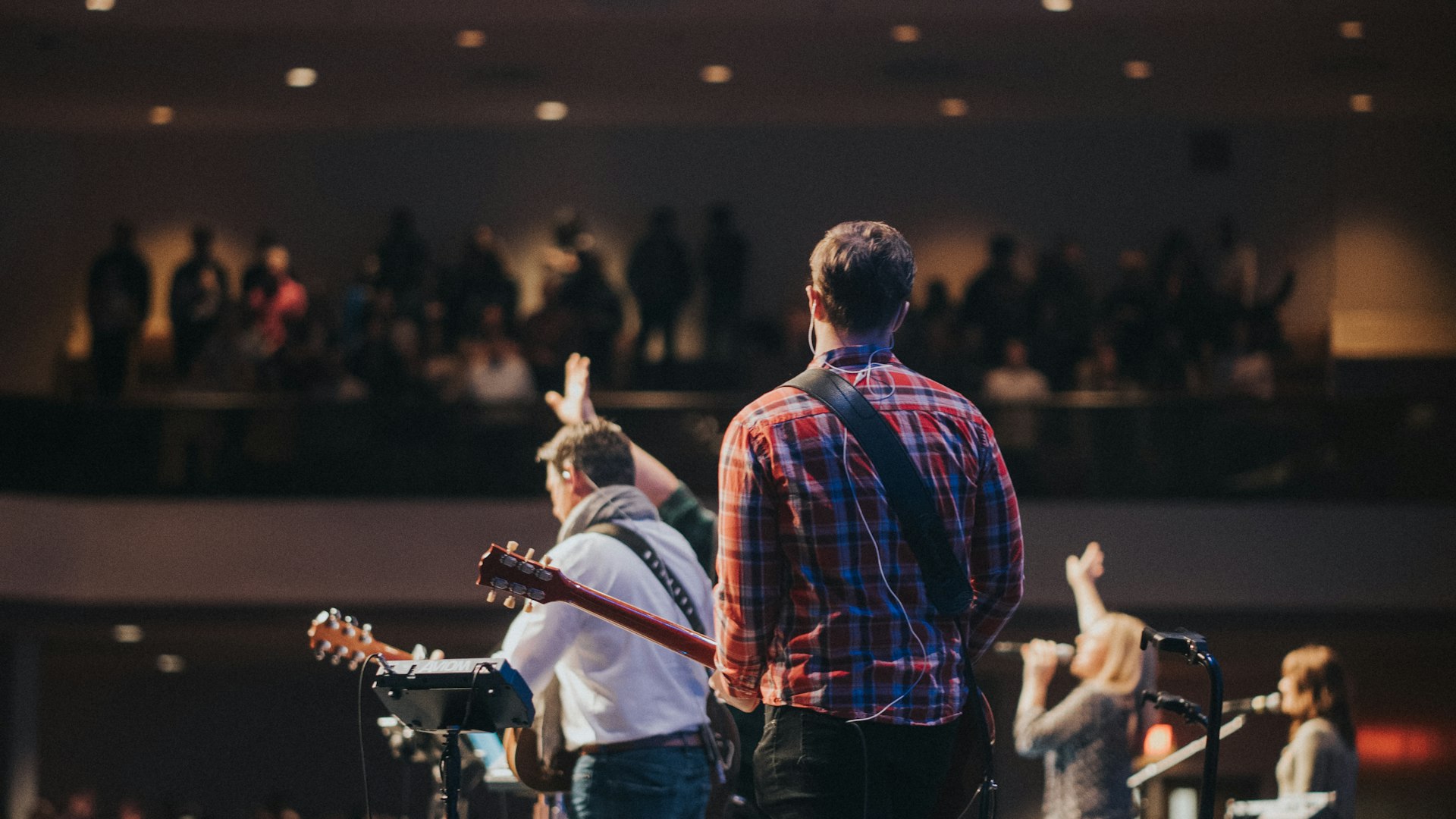
Can My Church Legally Stream Worship Songs? CCLI and Streaming Licenses, Explained
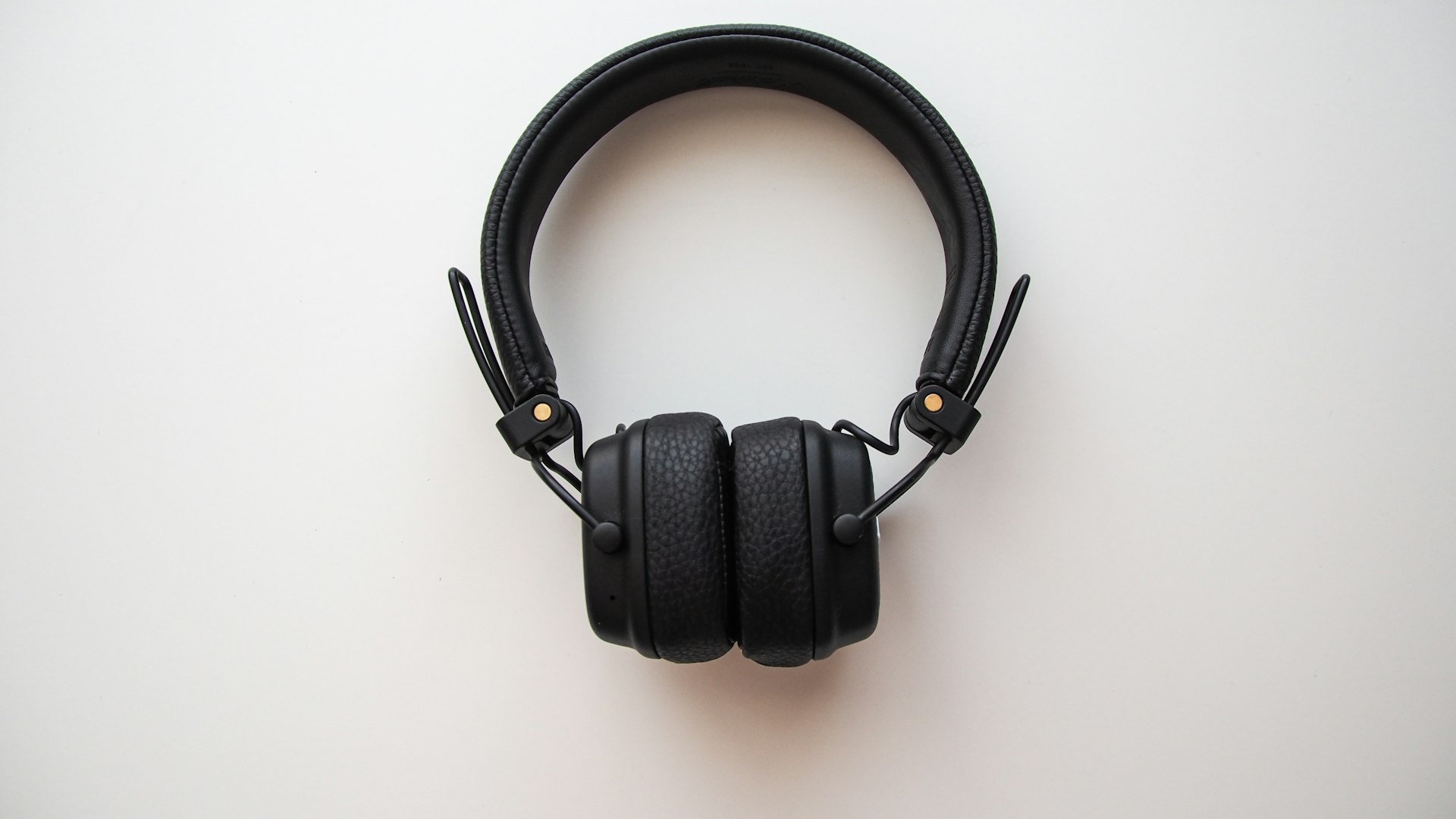
Does Your Church Production Team Need a Headset Intercom System?