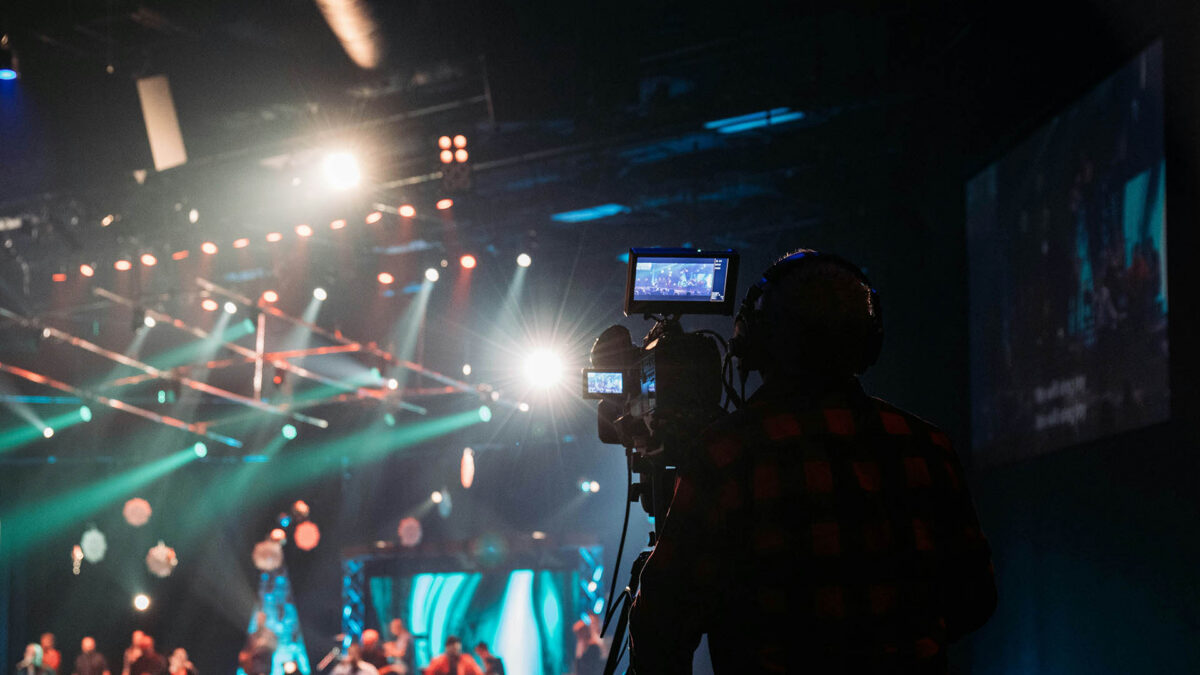
Most churches want better livestream quality, but many assume it requires expensive new cameras, mixers, or software. The good news? You can make noticeable improvements today using what you already have. At Brilliance AV, we help Phoenix Valley churches get more out of their existing AVL systems without breaking the budget. Here are three simple, zero-cost actions that can immediately improve your church livestream in Arizona worship centers.
1. Fix Your Audio First – It Matters More Than Video
Viewers will forgive slightly lower video quality, but bad audio makes them click away fast. Before touching cameras, focus on sound.
What you can do right now:
- Reposition microphones to reduce background noise and feedback
- Ask your sound tech to create a dedicated “livestream mix” that prioritizes clarity over stage volume
- Turn off unnecessary fans, air handlers, or HVAC during streaming if possible
- Check that your audio levels are consistent and not clipping
Many Mesa and Chandler churches see the biggest livestream improvement just by cleaning up the audio mix. Clear sound makes everything else feel more professional.
2. Improve Your Camera Framing and Lighting (Using What You Have)
You don’t need new cameras to get better shots. Small adjustments make a huge difference:
- Raise or lower your camera to eye level instead of shooting up at the stage
- Add simple room lighting (even household lamps) to reduce harsh shadows on faces
- Clean your existing camera lenses – dust and smudges degrade quality more than you think
- Use a tripod or stable mount to eliminate shaky footage
For Arizona churches dealing with bright sunlight or dark interiors, even repositioning existing lights can dramatically improve how your pastor and worship team look on camera.
3. Streamline Your Workflow and Communication
Technical glitches often happen because of rushed setups or unclear roles. You can fix this immediately:
- Create a simple pre-service checklist for volunteers (camera angles, audio levels, slide readiness)
- Assign one person to monitor the livestream feed in real time and communicate issues quickly
- Test your entire stream setup 30 minutes before service starts, not during
- Use a dedicated “livestream only” scene or profile so you’re not switching between in-person and online views manually
Small Changes, Big Results
Improving your church livestream doesn’t always require new gear. Often, the biggest gains come from optimizing what you already own — better audio, smarter camera placement, and smoother team coordination.
At Brilliance AV, we love helping Arizona churches get the most out of their current systems. Whether you need a quick audit, volunteer training, or guidance on future upgrades, we’re here to support your ministry.
If you’re ready to take your livestream to the next level — even on a tight budget — contact Brilliance AV today. Let’s make your online worship experience as meaningful as the one in your worship center.
Keywords: church livestream Arizona, improve church livestream, church video streaming Arizona, worship livestream solutions, church AV company Phoenix, church AV setup Arizona, affordable church AVL, volunteer-friendly livestream solutions, church video system Arizona, budget church livestream tips, church livestream audio Arizona, church livestream video Arizona. Improve your church livestream with no money! Brilliance AV shares 3 easy tips for better audio, video & workflow in Arizona worship centers. Contact us today!
Let's build irresistible experiences.
Connect With Us
Planning a project? Share your vision with us through this form, and we'll connect with you shortly.
Portable PA Systems for Small Churches and Church Plants: What You Actually Need
Church Presentation Software: ProPresenter and the Alternatives, Compared
How to Light a Worship Stage: A Beginner’s Guide for Phoenix Churches
How Much Internet Speed Does Your Church Need to Live Stream?
Does Your Church Need an Assistive Listening System? ADA and Hearing Help, Explained
How to Stop Microphone Feedback in Your Church Before It Ruins the Service
Can My Church Legally Stream Worship Songs? CCLI and Streaming Licenses, Explained
Does Your Church Production Team Need a Headset Intercom System?